
FortuneClock App
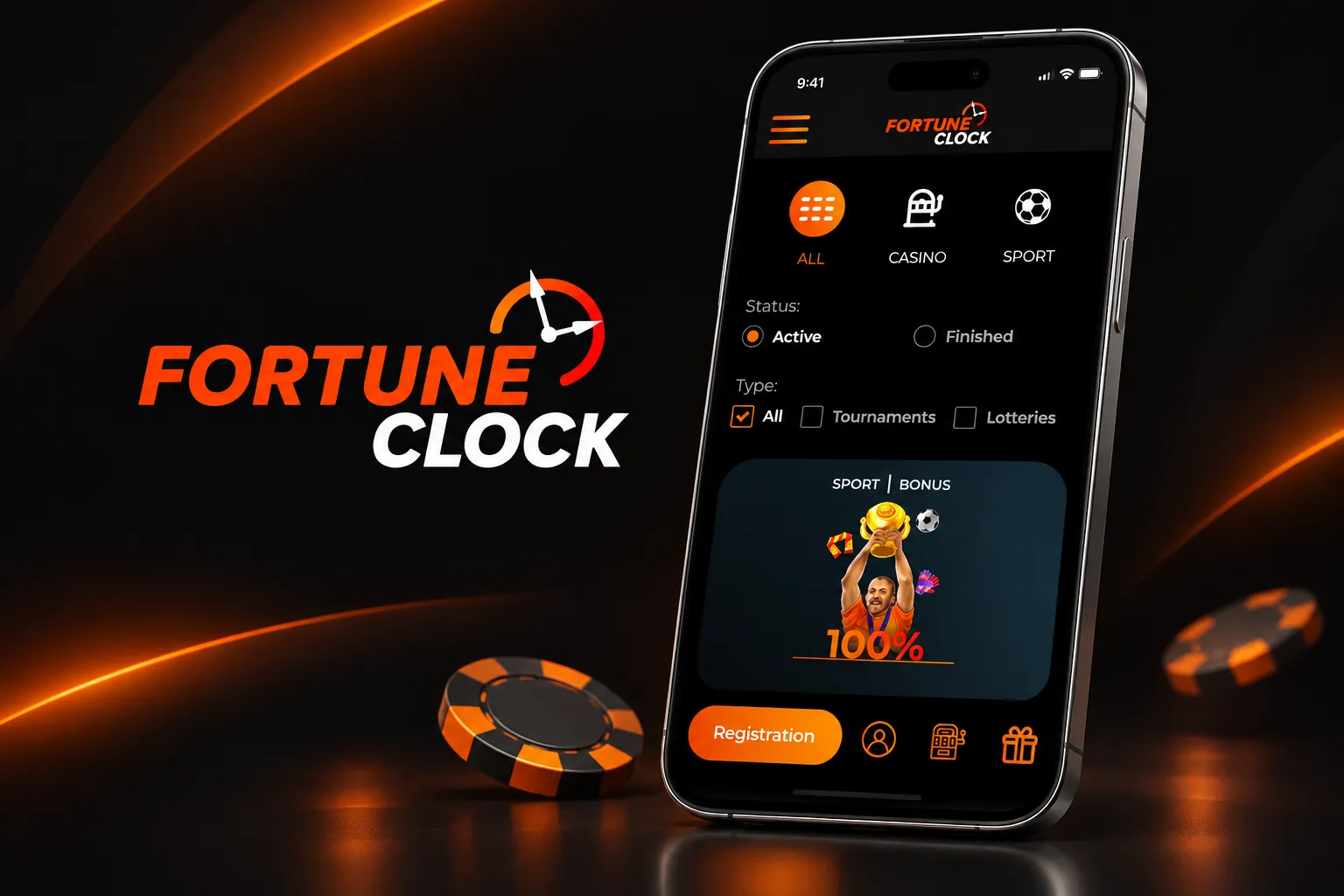

At FortuneClock, we built our mobile platform so you can carry your favourite slots, live tables and sportsbook markets wherever you go. There's no need to download anything heavy or hunt for an APK file - our Fortune Clock app runs straight through your mobile browser, giving you instant access to the same catalogue of games you'd find on desktop. Whether you're commuting, waiting in line, or just relaxing at home, FortuneClock Casino keeps the casino in your pocket.
What Makes Our Mobile Platform Stand Out
We've worked hard to make sure the FortuneClock experience on mobile feels just as polished as on a desktop computer. Here at Fortune Clock, we provide fast loading times, smooth animations and a navigation menu that's been simplified for smaller screens without cutting any corners on functionality.
- Our mobile site supports every major game category, including pokies, live dealer tables, and video poker
- We keep our game filters and search tools fully functional on mobile, so finding a specific title from over 100 providers is effortless
- FortuneClock's cashier section lets you deposit and request withdrawals without switching to a computer
- Our support team remains reachable through live chat at any hour, directly from your phone
Getting the FortuneClock App on Your Device
We don't offer a downloadable application from the App Store or Google Play. Instead, Fortune Clock has been designed as a responsive mobile web platform, which actually works in our favour - no storage space taken up, no manual updates required, and no compatibility issues tied to your operating system version.
For Android Users
Simply open Chrome or any other browser on your Android phone or tablet and head to our site. The Fortune Clock interface automatically adjusts to your screen size. For quick access later, we recommend adding a shortcut to your home screen - it behaves just like a native app icon.
For iOS Users
iPhone and iPad players can use Safari to reach FortuneClock instantly. The layout is optimised for touch navigation, and just like with Android, you can save a home screen icon so our casino is one tap away every time you want to play.
Logging In and Account Access
Once you've registered through our main website, logging into the mobile version takes seconds. Enter your username and password, and you're straight back into your account - your balance, your history and your favourite games are all right where you left them. If you haven't created an account yet, our registration page walks you through the process in just a few steps.
Games, Bonuses and Banking on Mobile
Our Fortune Clock library covers classic and video slots, roulette, blackjack, baccarat, craps, three card poker, Caribbean Stud, bingo, keno, scratch cards and a dedicated jackpot category featuring titles like Pirate Gold and Bell of Fortune. Live dealer fans can jump into tables powered by Evolution, Ezugi, LuckyStreak and BetGames, all rendered smoothly on mobile screens.
When it comes to banking, we at FortuneClock support a broad mix of payment options, from cards and e-wallets to cryptocurrency, so you can top up or cash out using whatever method suits you best.
| Limit | Amount |
|---|---|
| Daily Withdrawal | EUR 2,000 |
| Weekly Withdrawal | EUR 10,000 |
| Monthly Withdrawal | EUR 40,000 |
| Cashout Time (e-wallets/crypto/cards) | 24-36 hours |
| Cashout Time (bank transfer) | Up to 5 business days |
Security and Fair Play
Player safety matters to us, which is why Fortune Clock applies strict verification procedures before any withdrawal is processed. Our platform also asks new members to confirm they haven't previously registered with gambling-restriction organisations such as GAMSTOP, helping us encourage responsible play across our community. We encrypt all transactions and personal data moving through the mobile site, so you can deposit and play with confidence.
Claiming Free Spins Through the Mobile Site
New players joining Fortune Clock can take advantage of our welcome package directly from a mobile device - no desktop required. Once your account is verified and your first deposit lands, the bonus funds and spins are credited automatically, ready to use on eligible slot titles. For a full breakdown of current offers, check out our FortuneClock bonus page.
| Offer | Details |
|---|---|
| Welcome Package | 225% in bonuses + 225 free spins |
| VIP Welcome Pack | Not offered |
| Other Promotions | Daily deposit bonuses, free spins, lotteries, tournaments |
Our support team is available 24/7 via live chat, directly accessible from the mobile site, ensuring you can always get help when you need it.
Pros and Cons
| Pros | Cons |
|---|---|
| No download required, instant browser access | No dedicated native app for Android or iOS |
| Full game library available on mobile | Support offered only in English |
| Wide range of crypto and traditional payment methods | 20% fee applies on withdrawals of unplayed deposits |
| 24/7 live chat support | Long list of restricted countries |

Final Thoughts
We believe the FortuneClock app experience proves that you don't need a dedicated download to enjoy a smooth, feature-complete casino on your phone. Between the full game catalogue, generous welcome bonus, and quick access to deposits and withdrawals, Fortune Clock gives mobile players everything they'd expect from a desktop session - just more portable. Join us today and see how convenient mobile gaming at FortuneClock can be.
FAQ
Do you have a downloadable FortuneClock app?
No, we don't offer an app through Google Play or the App Store. Instead, we provide a fully responsive mobile website that works through your browser, giving you the same features as our desktop version.
Is the Fortune Clock mobile site free to use?
Yes, accessing our mobile platform costs nothing. You simply visit our site through your phone's browser and log into your account or register a new one.
Can I claim free spins on my phone?
Absolutely. Our welcome package, including 225% in bonuses and 225 free spins, is available to new players regardless of whether they sign up on desktop or mobile.
What devices support FortuneClock?
Our mobile site works on both Android and iOS devices through standard browsers like Chrome and Safari. We've optimised the layout for a wide range of screen sizes.
How long do withdrawals take from the mobile site?
We process e-wallet, card and cryptocurrency withdrawals within 24 to 36 hours, while bank transfers can take up to 5 business days, depending on your chosen method.
Is customer support available while using the app?
Yes, our live chat team is available 24/7 directly from the mobile site, so you can get help with your account or a game at any time.
Content updated: November 21, 2026